QuestXR Official Tutorial - AI Game Creation Experience Course
Create an interactive game from scratch using QuestXR AI tools and the game builder workflow.
For
Best for learners who want to turn ideas or lesson content into a playable, shareable interactive game with AI and visual tools.
Objective
Learn AI-assisted ideation, media creation, character design, and game logic integration through a complete build-test-share pipeline.
Workflow (5 Stages)
All stages are completed inside QuestXR.
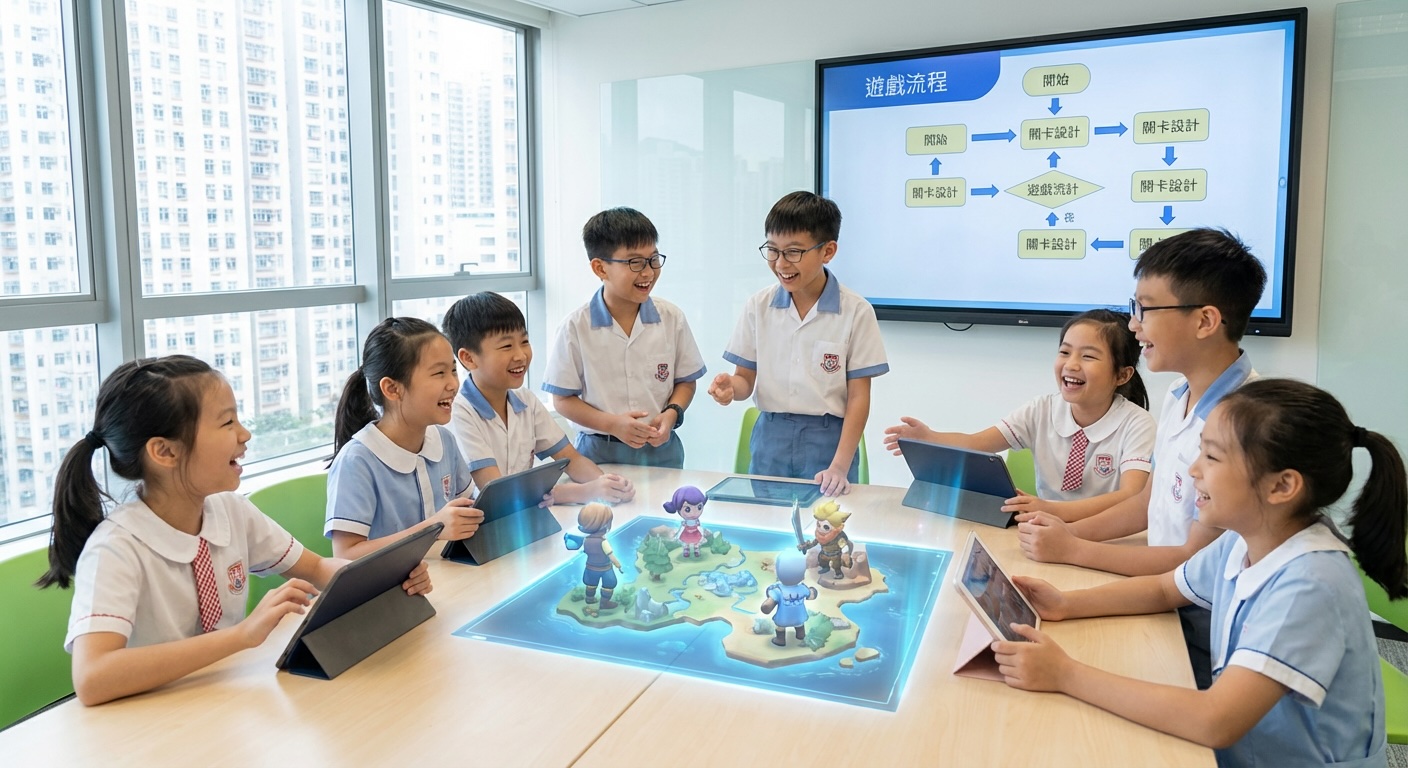
Ideate gameplay with AI Game Designer
Generate and refine game type, rules, and tasks from a topic prompt.
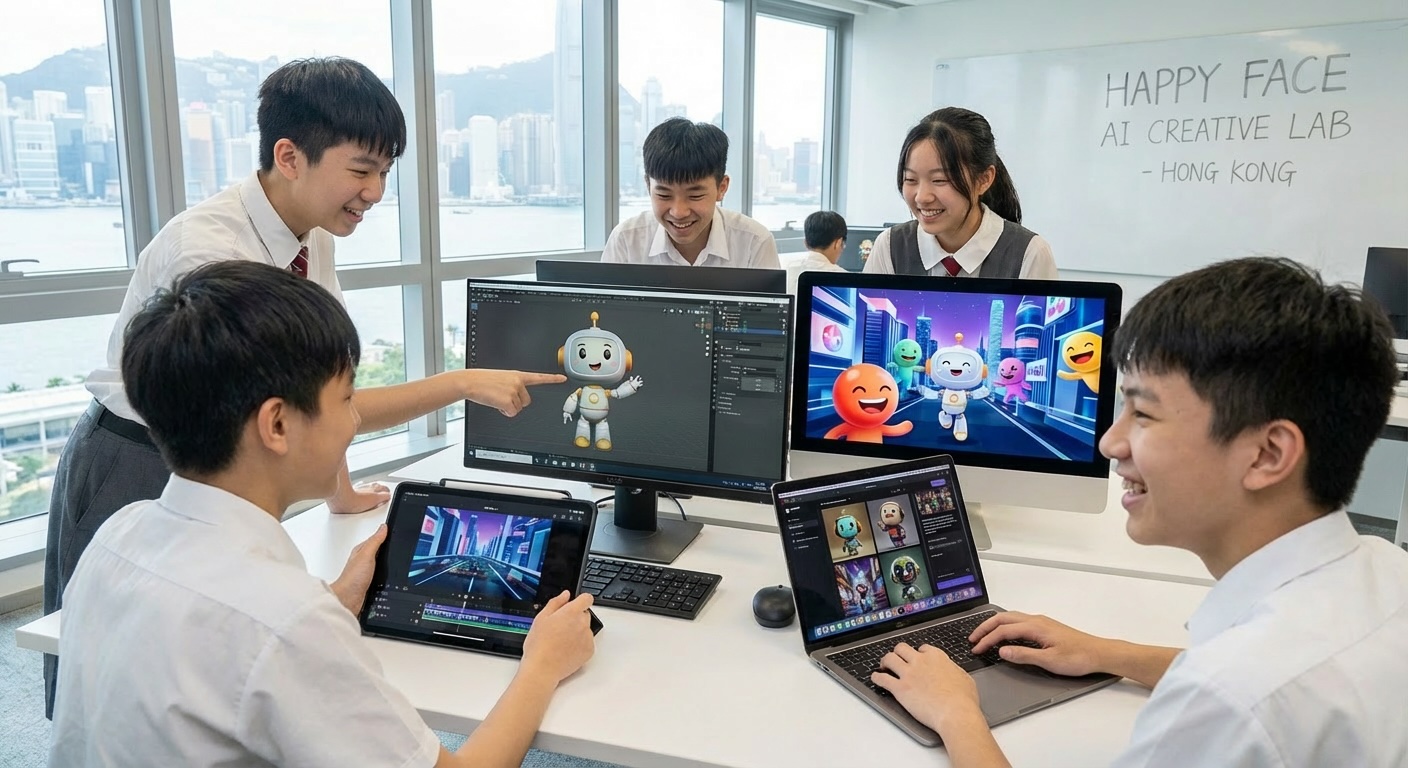
Generate images, videos, 3D models, and animations
Create assets with AI generators and save them directly to the asset library.
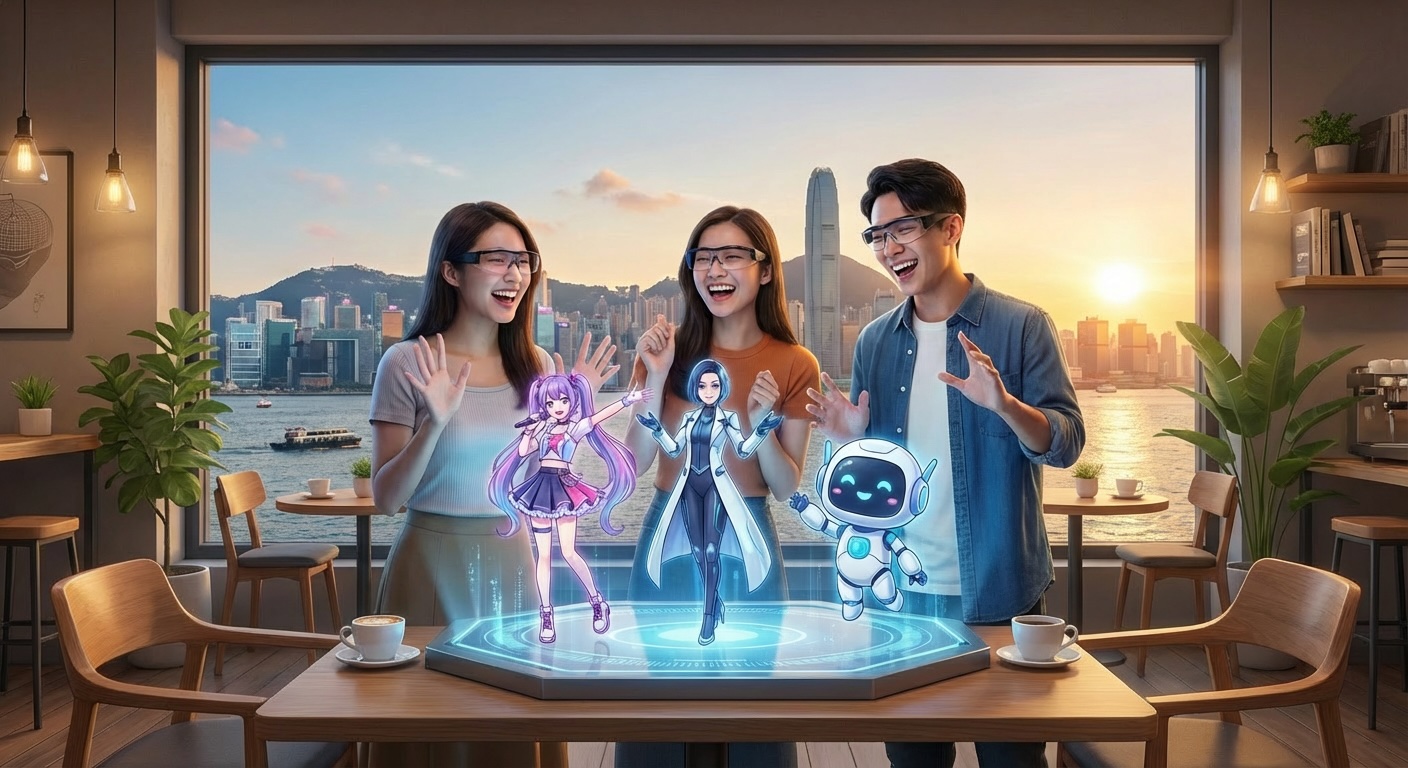
Build AI characters (NPC dialogue)
Define personality, tone, backstory, and mission logic with voice & behavior.
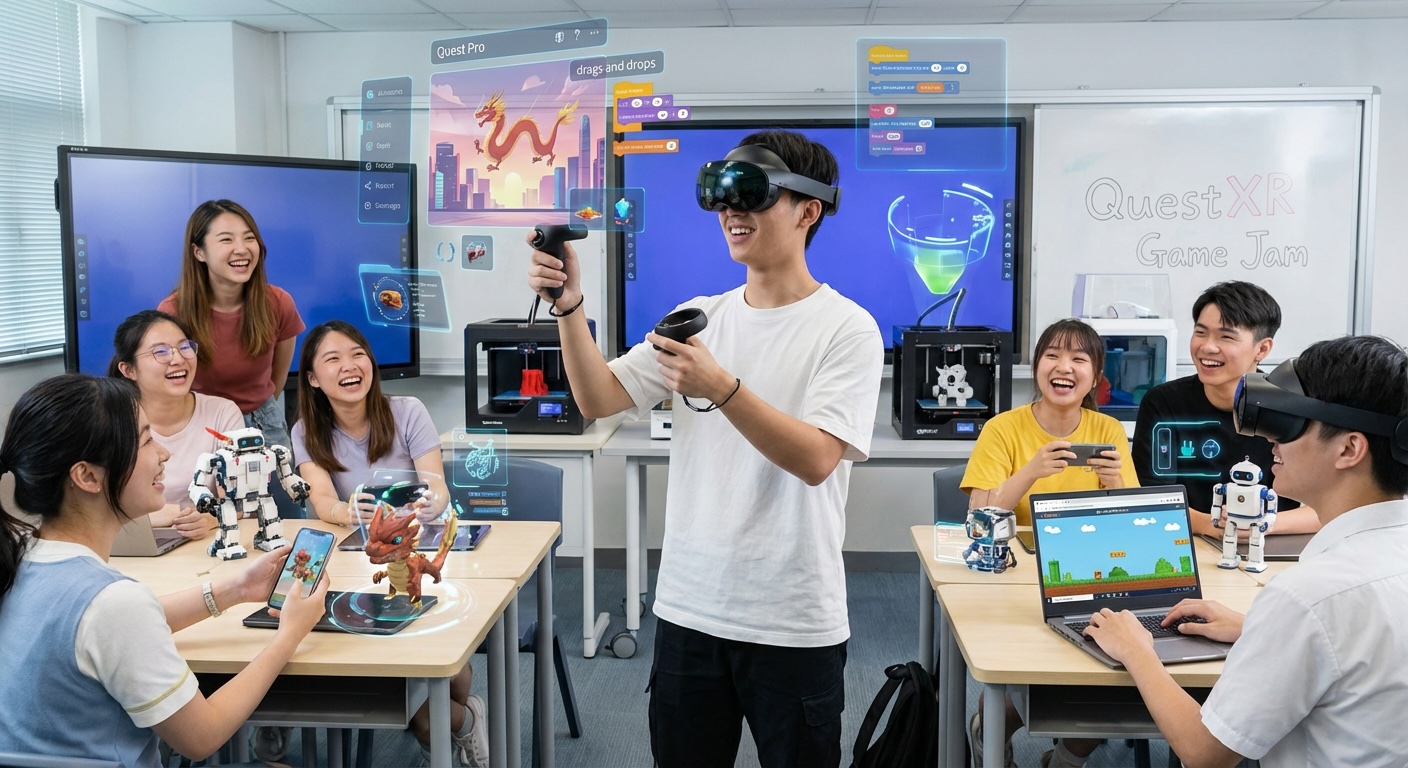
Integrate and build in Game Builder
Assemble scenes, assets, triggers, and scoring with a visual editor.
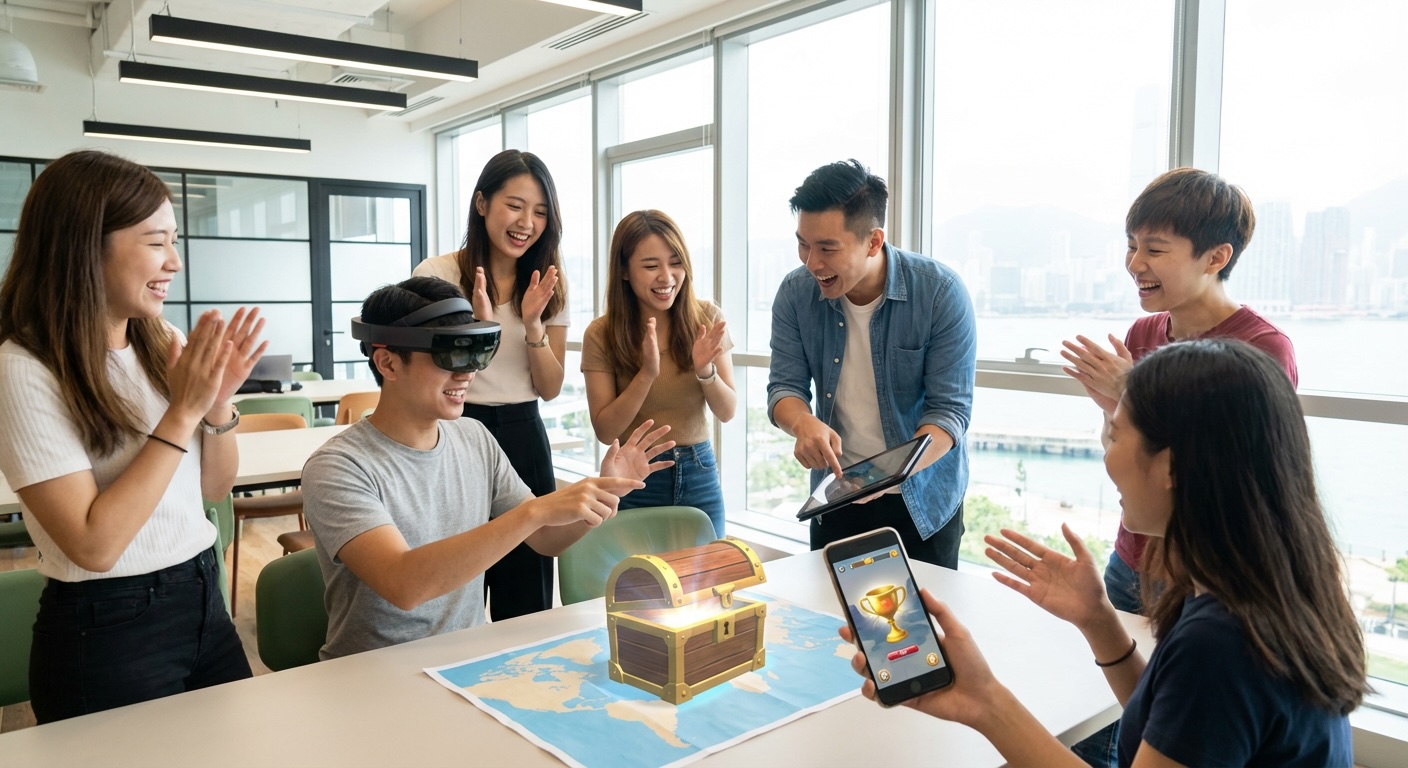
Publish, showcase, and reflect
Share links, run a demo session, and reflect on learning outcomes.